LIVE NOW · HANDS-OFF · SAME TRADES
The AutoTrader.
We've developed a bot that takes every signal for you — straight into your own PU Prime account. Its exact settings are listed below, so make sure yours match before you start.
- Every trade, automatically. No screens to watch, no alerts to catch in time.
- Your money stays yours. Funds sit in your own PU Prime account — we never touch withdrawals.
- Stop any time. Disconnect the AutoTrader and the account is fully yours again.
HOW TO CONNECT · STEP BY STEP
READ FIRST
PU Social isn't on the UK App Store. On iPhone you have to switch your Apple ID region to Germany to download it — step 1 below. Skip this and you simply won't find the app. On Android it's on the Play Store, though you may need a VPN.
- Open a PU Prime account (or move your existing one to us). The AutoTrader runs on PU Prime's copier, so this is the account it trades in. Open one here and you're automatically with us. Already on PU Prime? Profile → Transfer IB → code 27133146 → reason “signals and education”.
- Switch your Apple ID region to Germany. iPhone only, and it's temporary — you'll switch back in step 3. Open Settings → tap your name → Media & Purchases → View Account → Country/Region → Change Country or Region → pick Germany → Agree → enter a payment method (try “None” if it's offered) and a German billing address → Next / Done.
- Download PU Social. Open the App Store — it's now the German store — and search “PU Social”. On Android, grab it from the Play Store (a VPN may be needed).
- Switch your region back. Once it's installed, put your Apple ID back to the UK. The app keeps working.
- Make an account. Open PU Social and sign up with your email — takes a minute.
-
Choose “Copy trades from signal providers”.
The app asks what you want to do. Pick the copy option — not “Provide signals for others to copy”.
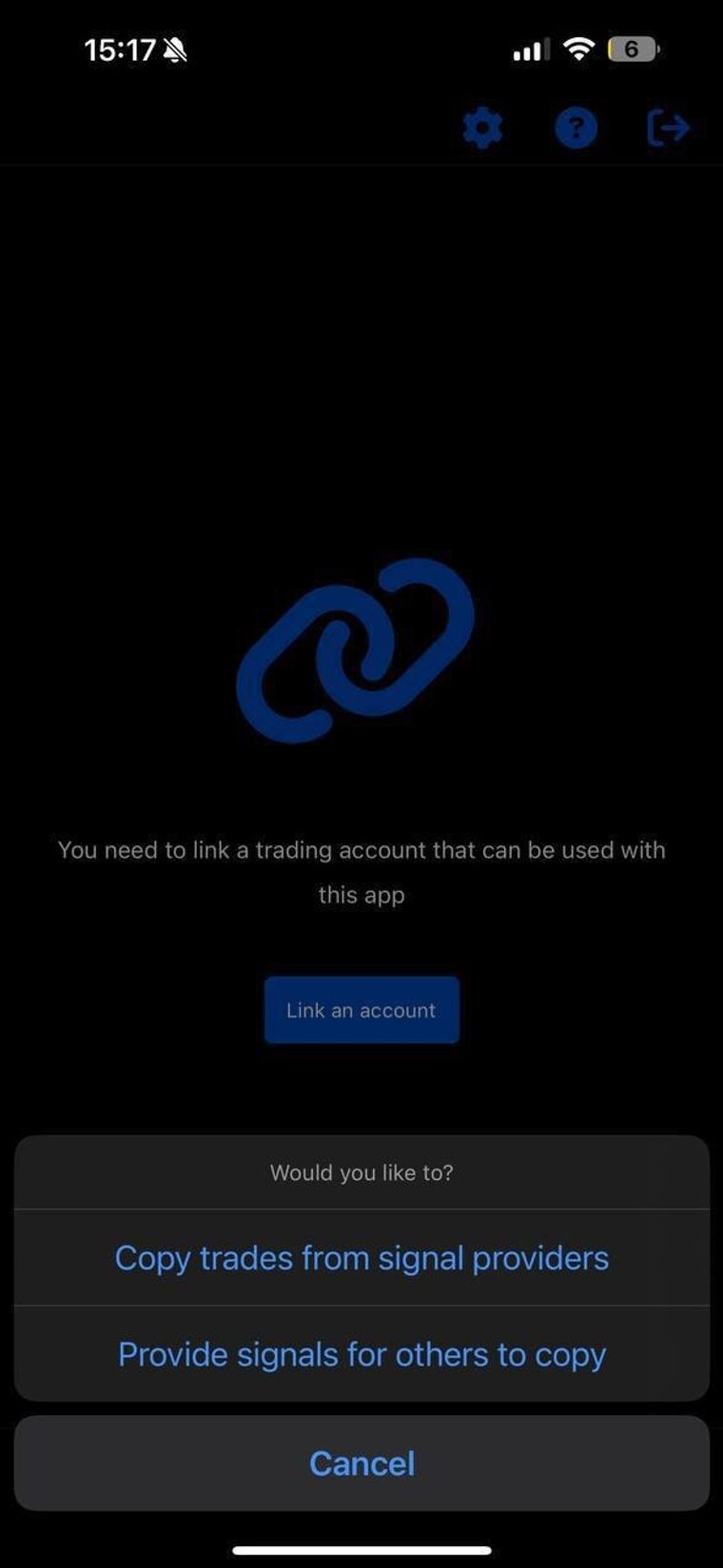
- Link your PU Prime MT5 login. Hit Link an account and sign in with your MT5 details. The AutoTrader is included with your VIP membership at no extra cost.
-
Search Profitology and hit Copy.
Find our profile, tap Copy, and set the lot size you're comfortable with. Fund with £100 minimum so the trades have room to work.
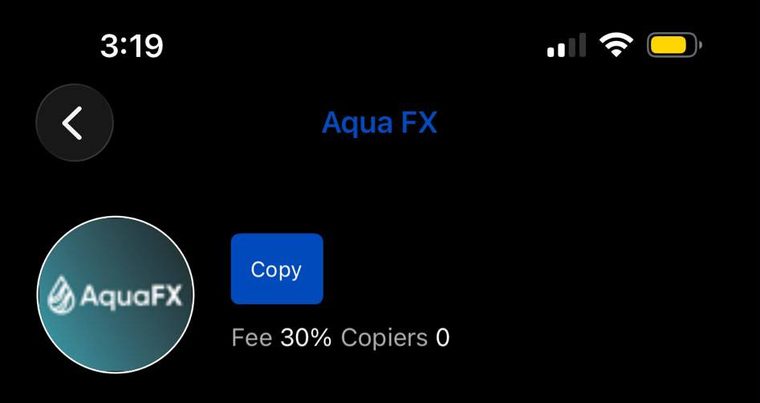
This is the profile you're looking for.
Lot size is entirely your call — we'd just recommend keeping it low risk while you get going. Stuck on any step? Message me and I'll walk you through it.
AUTOTRADER SETTINGS
ENTRIES
2 positions
at the middle of the entry zone
STOP LOSS
75 pips
fixed, on both positions
TAKE PROFIT 1
+50 pips
first position banks here
TAKE PROFIT 2
+150 pips
second position runs on
BREAKEVEN
auto
SL moves to entry once TP1 hits
Once TP1 is banked and breakeven is set, the worst the runner can do is exit flat — the risk is front-loaded and controlled.